SAFETY
Account controls.
It works the way you do: on your own computer, at your own pace.
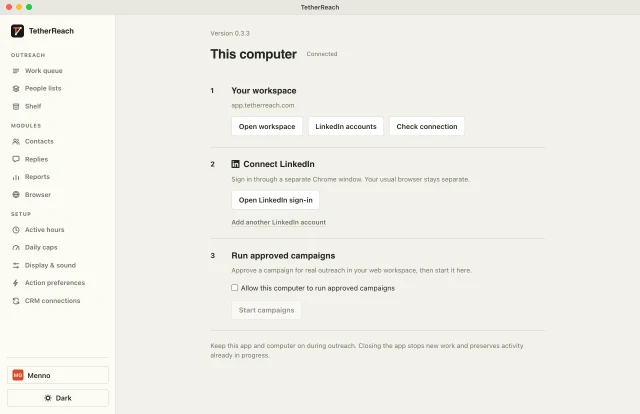
Your computer, your login
The app on your Mac or PC does the work. You sign in to LinkedIn yourself, in a separate Chrome window. We never see or store your password.
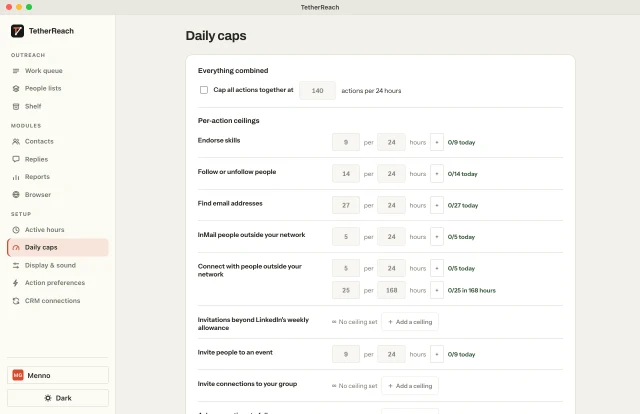
Daily limits
A ceiling per action per 24 hours, and a weekly limit for invitations.
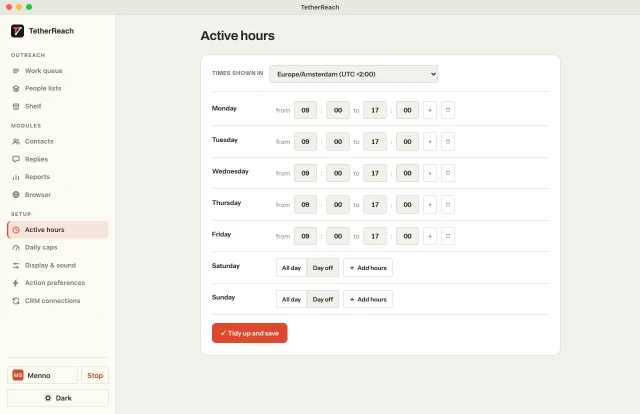
Your working hours
Only in the hours you choose, with minutes between invitations and messages.
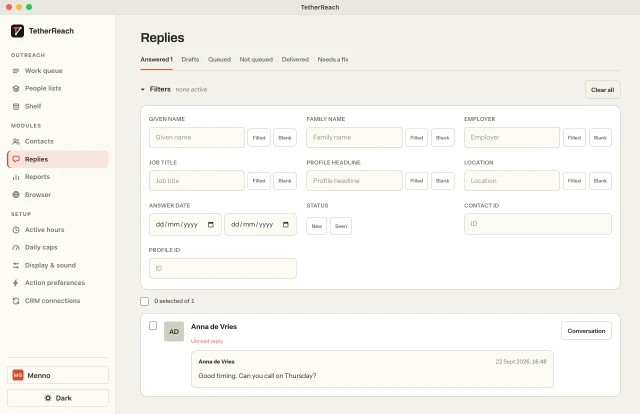
A reply stops the follow-ups
When someone replies, every next step to that person stops, in every campaign.
One button to stop
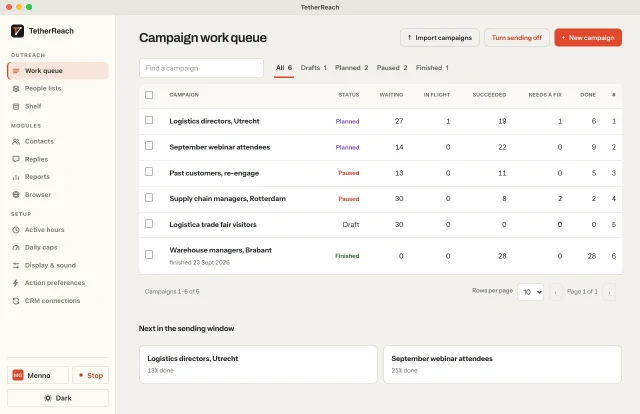
Press Stop and no new step starts.
- Does my computer need to stay on?
- Yes, while a campaign runs. When it is off, nothing happens on LinkedIn.
- Does TetherReach see my LinkedIn password?
- No. You sign in yourself, in a separate Chrome window on your computer.
- Can LinkedIn still restrict my account?
- Yes. LinkedIn sets its own rules. Start small and keep your limits low.
A Gottmer Agency brand. Three products from one maker, each with its own job.