TetherReach / Knowledge / Review
What to do after an uncertain outcome
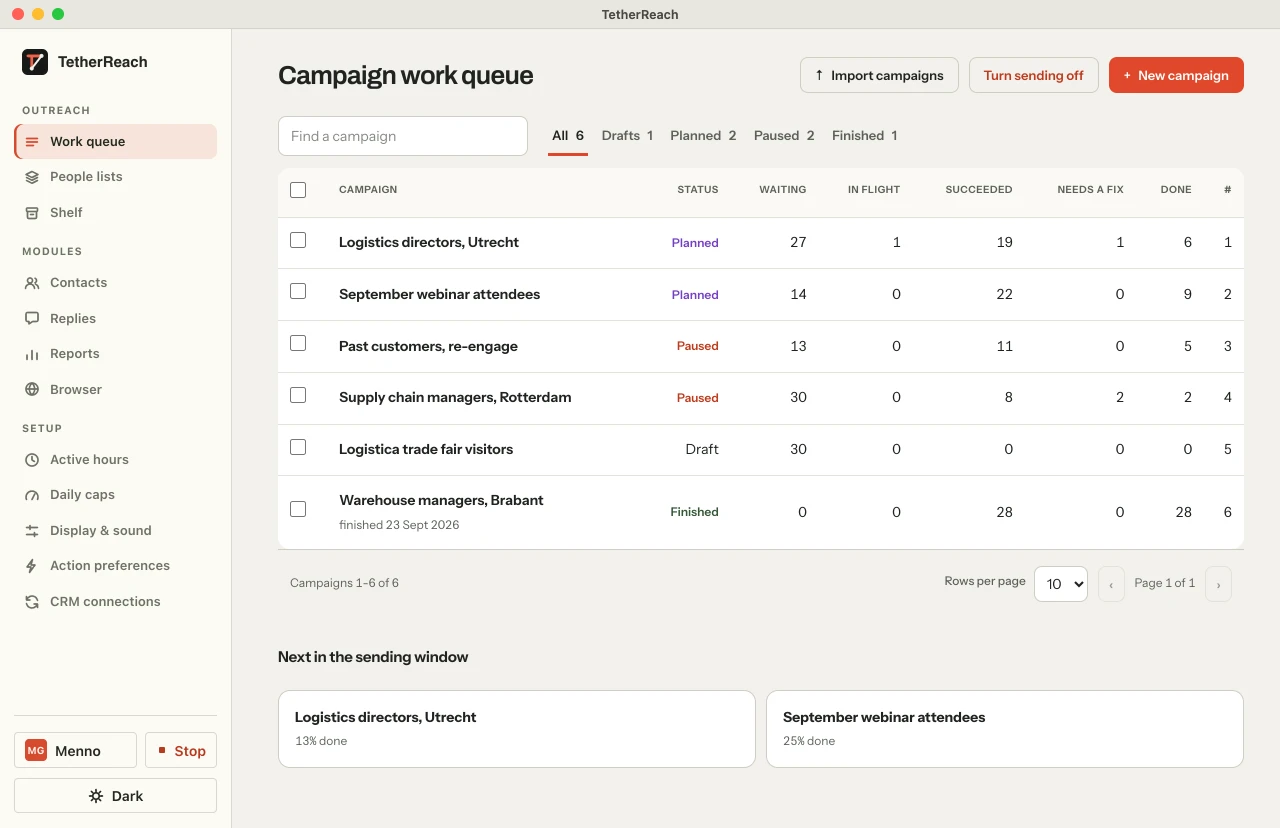
TL;DR: Keep an uncertain task held while an owner or administrator checks LinkedIn for the actual result. Record sent or not sent only when the evidence supports that choice. Leave it held if the result is still unclear.
Why does an uncertain task stay held?
When a task shows as uncertain or unknown, TetherReach stops working on it. That is deliberate. The invitation or message may already have reached LinkedIn. Repeating it automatically would contact the same person a second time, and that cannot be taken back. So the task waits for a person. An owner or administrator looks on LinkedIn itself to see what happened, records what was visible and at what moment, and then sets the task to sent or to not sent. Only the not sent choice makes the task eligible for another attempt. Guessing is not part of it. If the picture is not clear, the task simply stays held.
The product overview explains the review controls.
How do you review a held task?
Start with the account status in the dashboard. If a LinkedIn warning is being checked, keep new work stopped while that is going on. Then open the campaign's failed-work view and select the person requiring review. That view shows the text as it was approved. Now go to LinkedIn itself, in the profile of the sender that was meant to run the task, and find the conversation or the list of sent invitations. Compare word for word. Note which profile you inspected, what you saw and at what time. Only then choose sent or not sent. If someone only manages campaigns and profiles, or only reads, they can look the task up but cannot record the outcome. Hand it to the owner or administrator instead of working around it.
Check the sender linked to this task. Under the TetherReach plans, one plan supports 1 to 100 LinkedIn accounts. You pay per LinkedIn account; team members are free. A seat can change to another LinkedIn person once every 30 days. Review the result in the account that ran the task.
Try it yourself, no payment details
Create an account, import a small list and review your first campaign as a draft. Nothing is sent before you have checked it. Mac or Windows + Chrome; you install the desktop app yourself in fifteen minutes.
What if your computer closes or LinkedIn signs you out?
Keep the task held after an interruption and check the result on LinkedIn before retrying.
You close your Mac while invitations are going out. After restarting, one task shows as uncertain. The owner opens the sent invitations for that sender profile. If the person is listed, the outcome is sent. An absent entry does not by itself prove the invitation was never sent. If the evidence is inconclusive, the owner leaves the task held.
Your LinkedIn sign-in expires halfway through a follow-up. Sign in again on LinkedIn's own sign-in page, then open the conversation. If the approved text is there word for word, that is sent. If you find a half message or something different, leave the task held.
A LinkedIn warning appears and several tasks turn uncertain. Stop new work, review the tasks one by one, and do not release them in bulk.
LinkedIn explains that withdrawing pending invitations does not remove an invitation restriction. Keep new invitations stopped while that restriction applies.
When should you ask support for help?
Leave the task held and ask for help when the old attempt still looks active, when the action belongs to a provider integration, or when the evidence contradicts itself. A new attempt could cause a duplicate send. Work with an unknown outcome has no ordinary retry button. For work that clearly failed, the system can offer that option. What TetherReach cannot do is prevent LinkedIn restrictions or promise that an account never gets a warning.
Contact support through the help page if the evidence remains unclear.
Frequently asked questions
Can I retry while the outcome is uncertain?
No. Leave the task held until an owner or administrator has checked LinkedIn and recorded the outcome. Only a confirmed not sent decision makes it eligible for another attempt.
What if evidence appears later that contradicts my decision?
Saved evidence does not disappear once you have chosen. If a late result arrives that contradicts your decision, it stays visible for review. Do not resolve that by sending anything else. Report it to support with the profile you inspected and the time of your review, so it can be traced back to what was actually visible at that moment.
What exactly should I write down when I record a decision?
Four things: which sender profile you inspected, which conversation or invitation you saw, how that text compares with the approved version, and the time you looked. A status label in the app is not proof on its own; the real conversation on LinkedIn is. With that note, a colleague can retrace your review later without redoing the work.
Further reading
Want more of this in your Google results? Add TetherReach as a preferred source.